

Introduction: What is the Latest Meta Update and Why it Matters
Meta changes its advertising platform frequently. Buttons move, algorithms adjust, and features roll out without much warning. For performance marketers, a meta new update is not just a news headline. It is a direct variable that affects return on ad spend, cost per acquisition, and overall campaign stability.
When clients or stakeholders ask, “What is the new Meta on Facebook?” or “What is the new Meta update called?”, they are usually referring to Meta’s aggressive push toward artificial intelligence and automated ad delivery. The platform is moving away from granular, manual control and forcing advertisers into its Advantage+ ecosystem. This transition relies on machine learning to handle targeting, creative iteration, and budget pacing.
This guide explains how to handle these changes. We skip the high-level announcements and focus on the mechanics of the platform. You will learn how to protect your baseline metrics, test new AI features without breaking your current lead generation systems, and adapt your ad account to work with Meta’s algorithm rather than fighting it.
Prerequisites: Understanding Your Current Meta Ads Performance
You cannot measure the impact of a platform change if you do not know your current numbers. Before adjusting your campaigns to accommodate Meta’s new tools, you need a strict baseline of your historical performance.
Open Meta Ads Manager and pull your data for the last 90 days. You need a large enough sample size to account for standard weekly fluctuations. Look specifically at your core performance marketing metrics: Cost Per Acquisition (CPA), Return on Ad Spend (ROAS), and Conversion Volume.
Create a custom report in Ads Manager to isolate your early funnel indicators. Track your outbound click-through rate (CTR), cost per outbound click, and your thumb-stop ratio (the percentage of impressions that result in a 3-second video play). These early indicators will shift first if a new Meta feature changes your audience delivery.
Next, verify your data tracking architecture. The algorithm relies entirely on the data you feed it. Check your Meta Pixel and ensure your Conversions API is functioning correctly. If your event match quality is low, the automated targeting tools will optimize for the wrong users. Review your website development setup and confirm that server-side tracking captures purchases or lead events accurately.
A common mistake advertisers make is testing new features on campaigns that are already failing. If a campaign has a high CPA, adding an AI text-generation tool will not fix the underlying offer or product-market fit. Establish a baseline using only your most stable, proven campaigns. You need a reliable control group before you introduce new variables.
Step 1: Identify the Core Components of the New Meta Update
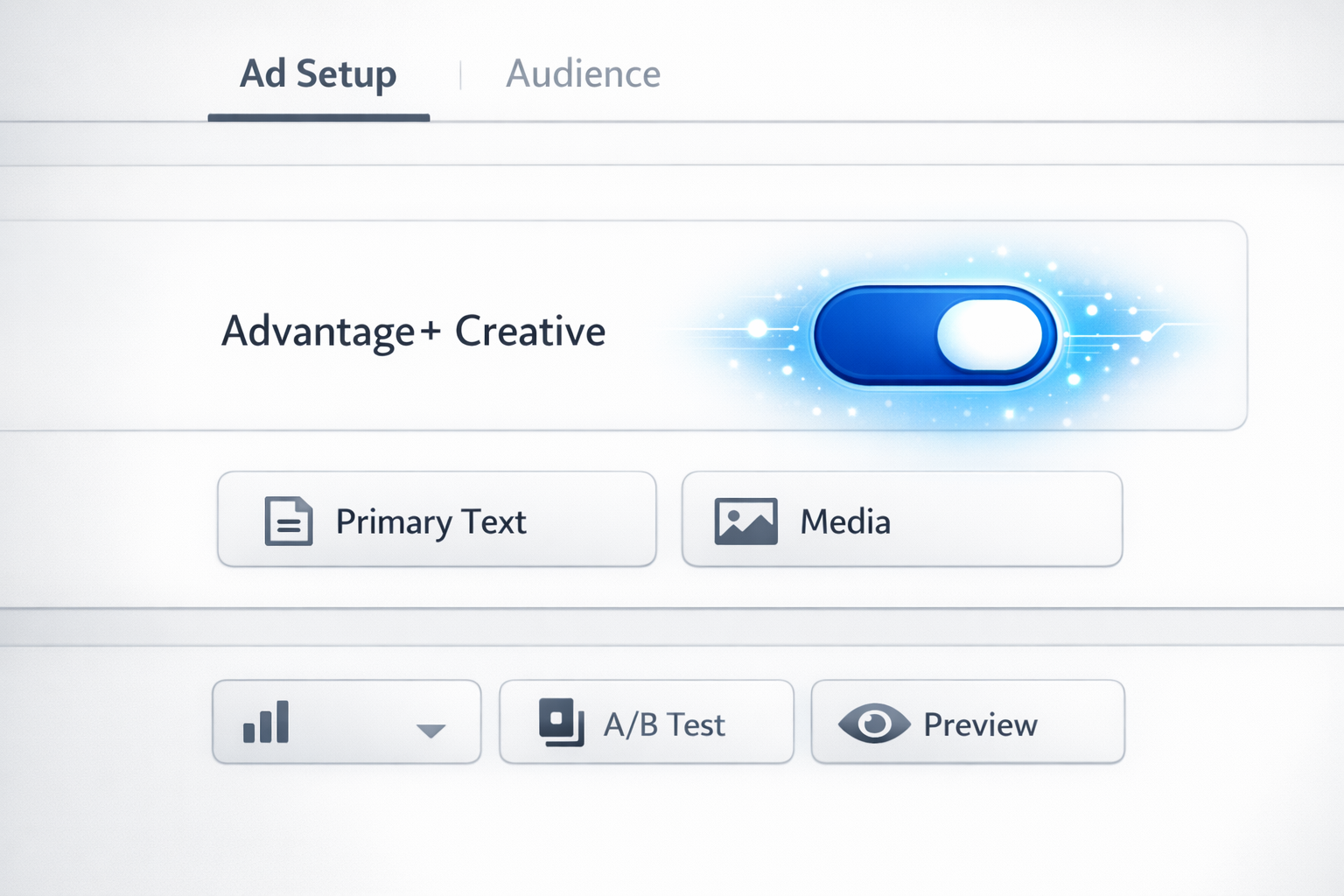
Understanding exactly what changed dictates how you adjust your strategy. Meta groups its updates into specific categories, usually targeting audience expansion, creative automation, and reporting.
What are the new updates in Meta ads?
The core shift centers on Advantage+ Audience and Advantage+ Creative. Meta now defaults many new campaigns to these settings. Instead of defining a strict age range, interest group, or lookalike percentage, Advantage+ uses your inputs as mere suggestions. The algorithm actively expands your targeting if it predicts a cheaper conversion exists outside your defined parameters.
This fundamentally changes how media buyers structure accounts. Strict audience segmentation is becoming obsolete. The platform uses your ad creative as the primary targeting mechanism. The algorithm reads your image, video, and copy, then finds users who interact with similar content.
What is the new feature of Meta?
The most visible new features exist within the ad-level creative sandbox. Meta has introduced generative AI tools directly into the Ads Manager interface. These include:
- Standard Enhancements: The system automatically adjusts image brightness, aspect ratios, and applies templates to standard images to fit Reels or Stories placements.
- Background Generation: Advertisers can upload a product against a transparent background and prompt Meta’s AI to generate contextual backgrounds.
- Text Variations: Based on your primary text input, the system generates multiple copy variations, shuffling headlines and descriptions based on the individual user’s reading history.
These tools exist to keep users engaged on the platform longer by reducing creative fatigue. For small business marketing teams lacking dedicated designers, these features offer quick iteration. For larger brands, they present a brand compliance risk if the AI generates off-brand messaging or unnatural imagery.
Step 2: Assess the Impact on Your Advertising Strategy
Every new feature requires a strategic evaluation before implementation. You have to decide if a change warrants a shift in your budget allocation or if it directly conflicts with your brand guidelines.
First, evaluate your campaign liquidity. Automated tools like Advantage+ Shopping Campaigns require significant data to exit the learning phase. Meta typically needs 50 conversion events per week per ad set to stabilize delivery. If your current strategy relies on splitting a $100 daily budget across ten different ad sets to test granular interests, the new update will break your account. The algorithm will never get enough data in a single ad set to optimize properly. You must consolidate your account structure, grouping audiences together to feed the machine learning model.
Next, assess the risk to your brand identity. The AI text generation feature alters your copy. If you operate in a highly regulated industry—like finance, healthcare, or law—an AI-generated claim could cause legal issues. In these cases, you must manually opt out of Advantage+ Creative text enhancements at the ad level. Do not assume the default settings align with your compliance requirements.
Consider the impact on your lead generation quality. Audience expansion often drives cheaper top-of-funnel leads. However, a lower Cost Per Lead (CPL) means nothing if the sales team cannot close them. If you run lead forms, you must monitor your CRM integration closely. When testing these new delivery models, track the lead status all the way to a closed deal. If the expanded audience drops your CPL by 20% but your conversion rate from lead to sale drops by 50%, the update is actively harming your business.
Finally, review your retargeting strategy. As Meta leans into broad targeting, traditional website visitor retargeting pools often shrink or become redundant. The platform prefers to handle retargeting dynamically within an Advantage+ campaign rather than through a dedicated, isolated retargeting ad set. You need to decide whether to trust the black box or force manual exclusions.
Step 3: Implement and Test New Features or Adjustments
Implementation requires strict isolation. You cannot flip the switch on Advantage+ features across your entire account and hope for the best. You need a controlled environment to measure whether the update actually improves your return on investment.
Start with a clear hypothesis. If you want to test Meta’s generative AI backgrounds, your hypothesis might be: “Using AI-generated lifestyle backgrounds will lower our Cost Per Add to Cart compared to flat white product images.”
Set up an A/B test using Meta’s native Experiments tool. Do not just launch two ad sets in the same campaign and let the algorithm decide. The platform will inevitably force budget into the ad set that gets early engagement, starving the other ad set before it achieves statistical significance. The native A/B testing tool ensures clean audience splits and prevents auction overlap.
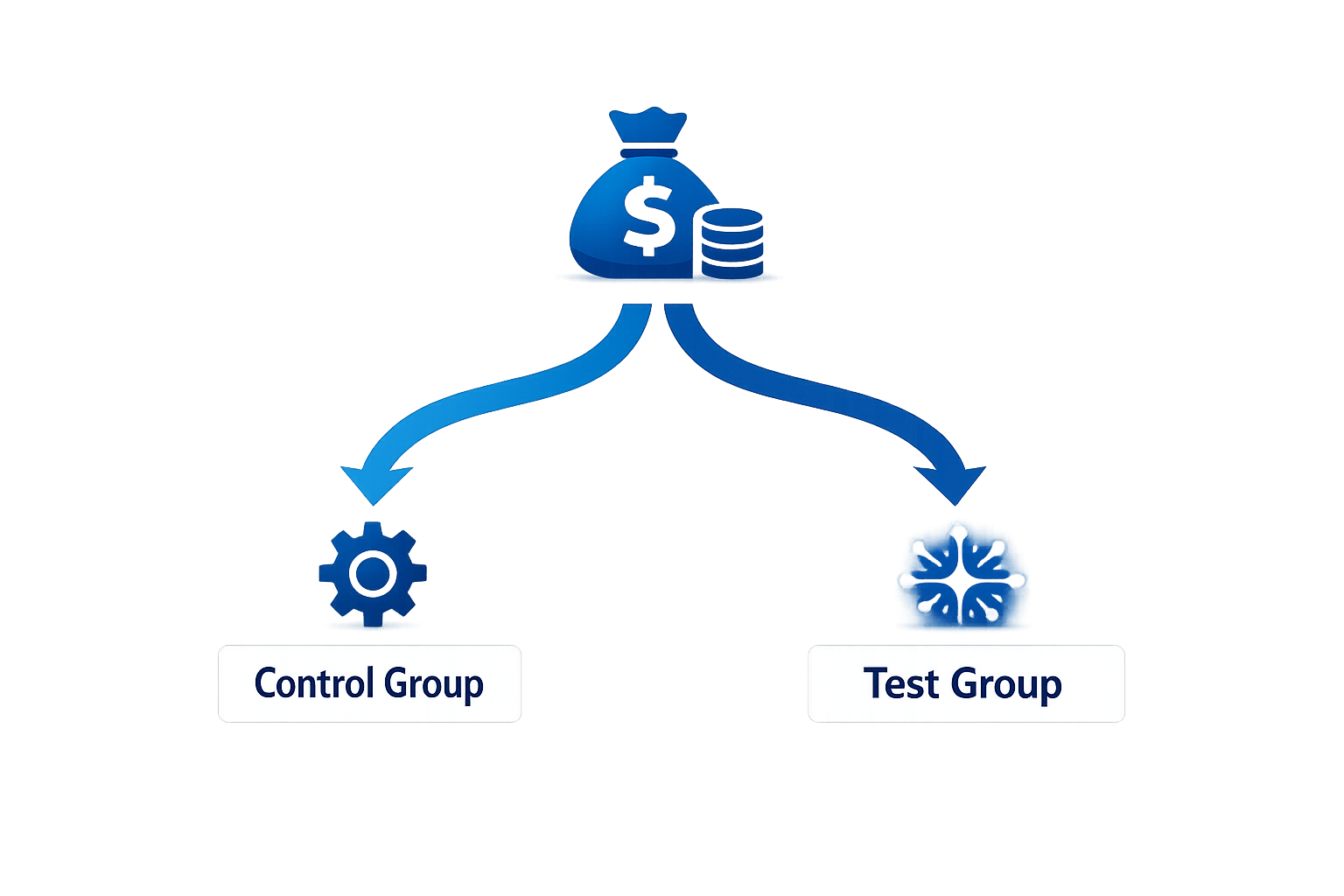
Create your control campaign using your historical setup—manual targeting, specific placements, and your current best-performing creative. Then, create the test campaign applying the new feature. Give the test a dedicated budget that you are willing to lose. Usually, allocating 10% to 20% of your total daily spend to testing is a safe benchmark.
When optimizing your Meta Ads campaigns, isolate one variable at a time. If you test Advantage+ Audience expansion and AI text variations simultaneously, you will not know which feature caused the performance shift. Run the audience test first. Once you declare a winner, run the creative test against that winning audience.
Let the test run uninterrupted. Every time you edit an ad or adjust the budget by more than 20%, you reset the algorithm’s learning phase. Set the test for a minimum of seven days to capture weekday and weekend user behavior. Avoid making judgments based on day-one or day-two data, as the system tends to spend aggressively initially as it explores the audience pool.
Step 4: Monitor Performance and Optimize for Results
Once your test concludes, or after you roll out a new feature to your evergreen campaigns, your focus shifts to data analysis. Do not rely entirely on the numbers inside Meta Ads Manager. The platform uses modeled data to account for users who have opted out of tracking via iOS updates.
Compare Meta’s reported conversions against your actual backend sales or CRM data. Look at Google Analytics to monitor the traffic quality. Check the bounce rate and time on page for the UTM parameters associated with the new Meta features. If Meta reports a drop in CPA, but Google Analytics shows that traffic from that campaign spends an average of two seconds on the site, the platform is likely optimizing for accidental clicks or low-intent users.

Integrating these updates into your paid advertising strategies requires monitoring the full funnel. Look beyond the final purchase. If you introduced AI-generated video variations, check your video retention metrics. Are users dropping off at the two-second mark, or is the new AI hook keeping them engaged until the call to action?
Watch out for audience cannibalization. If you let Advantage+ run alongside your manual ad sets, check the audience overlap tool. The automated campaigns often steal conversions from your branded search terms or your warm retargeting pools. They take credit for bottom-of-funnel users who were already going to buy.
This is why running routine performance audits is critical. You have to actively hunt for ad waste. Sort your ad sets by spend and look for the ones consuming budget without generating add-to-carts or leads. Meta’s algorithm is efficient, but it will gladly spend your money on low-quality placements like the Audience Network if you do not actively monitor and exclude underperforming placements.
Step 5: Leverage Meta’s Latest Tools for Enhanced Performance
Beyond the ad delivery changes, Meta continuously updates its reporting and management interfaces. Using these tools effectively separates active campaign managers from passive observers.
Start with Meta Business Suite’s updated reporting layouts. Build custom dashboards that pull in your specific KPIs. Standard presets often highlight vanity metrics like reach and impressions. Strip those out. Build a view that shows Spend, Cost Per Unique Link Click, Cost Per Lead, and ROAS. This reduces the time it takes to spot a declining campaign.
Use the conversion value rules if your business has varying profit margins. You can instruct the algorithm to bid higher for specific audiences or locations based on their historical lifetime value. If a user in Toronto typically spends 30% more on your website than a user elsewhere, set a value rule to prioritize that segment within the automated bidding system.
Take advantage of the platform’s API integrations. If you manage an SEO Toronto strategy alongside paid ads, connect your first-party search data to your Meta account. Upload your customer lists directly to feed the algorithm high-quality seed audiences. The more deterministic data you provide—actual email addresses and phone numbers of paying customers—the less the AI has to guess.
Finally, treat Meta’s AI features as assistants, not replacements. The text generator can produce fifty headlines in ten seconds, but you must still review them for tone and accuracy. The background expansion tool can resize an image, but you must verify it didn’t distort your product. Maintain strict human oversight over your conversion rate optimization. The platforms will continue to push automation, and your advantage lies in directing that automation with accurate data and clear business objectives.