Introduction to Google Performance Max Campaigns in 2026
You are likely losing money on Google Ads.
Not because the platform does not work. But because you are treating automation like a magic wand.
Google Performance Max campaigns are designed to find converting customers across YouTube, Display, Search, Discover, Gmail, and Maps. It is a single campaign type powered by Google’s machine learning.
In 2026, every competitor has access to the same AI. That gap is the opportunity.
The brands winning this game do not just click publish with default settings. They focus on strategic pre-launch preparation. Without it, the algorithm wastes your budget on cheap, unqualified traffic. This guide shows you how to structure your campaigns for actual revenue, not just vanity metrics.
The 5 Essential Strategic Steps Before You Launch Performance Max
Before you open the Google Ads Platform, you need a plan.
Setting up a campaign without preparation is a recipe for high ad spend and zero ROI. If you want to succeed with PPC strategies for small businesses, you must lay down the technical and strategic groundwork first.
Here are the five prerequisites you must complete before launching.
1. Set Up Clean Conversion Tracking
The algorithm only knows what you teach it. If your conversion data is messy, your results will be terrible.
Use Conversion Tracking (Google Tag Manager) to capture exact actions on your site. Link your account with Google Analytics 4 to track user behavior post-click.
Make sure you track both primary conversions (like purchases or form fills) and secondary indicators (like add-to-carts). But do not bid on secondary actions. Focus the algorithm on the real money.
2. Define Clear Conversion Goals & Value
You must tell Google exactly what a lead or sale is worth.
For e-commerce, this means passing dynamic transaction values. For lead generation, assign a strategic value to each form submission based on your close rate.
If you run a B2B business, you need tailored B2B PPC strategies to ensure you do not optimize for low-quality spam. Value-based bidding is the difference between a profitable campaign and a wasted budget.
3. Gather Premium Creative Assets
Performance Max runs across visual networks like YouTube and Display.
If you provide weak images and stock text, Google will auto-generate ugly ads. This destroys your brand reputation.
Prepare high-resolution lifestyle images, clean product shots, and at least one high-quality video. If you do not upload a video, Google will patch together a low-budget slideshow. Avoid this.
4. Build Search Themes and Audience Signals
Audience signals do not target users directly. Instead, they give the AI a starting point.
Compile your first-party customer lists, past buyers, and high-intent keyword search terms.
Use search themes to tell the AI what your audience is actively looking for. This accelerates the machine learning learning phase.
5. Configure Your Product Feed
If you sell physical products, your Google Merchant Center (for e-commerce businesses) feed is the backbone of your campaign.
Ensure product titles contain key search terms like brand, material, and size.
Clean data in your feed means better placements on the Shopping tab.
Step-by-Step: How to Create Your Google Performance Max Campaign in Google Ads
Once your strategy is ready, it is time to build.
Follow these sequential steps in the Google Ads Platform to create performance max campaigns google ads safely.
Step 1: Choose Your Objective
Log in to Google Ads. Click the blue plus button to create a new campaign. Select your marketing objective, such as Sales or Leads. Do not select “Create a campaign without a goal guidance” unless you are an experienced advertiser.
Step 2: Select the Performance Max Campaign Type
Choose Performance Max when prompted for your campaign type. Give it a clear, descriptive name. Include the target product category, geographic focus, and the year 2026.
Step 3: Set Your Budget and Bidding Strategy
Determine your daily budget. For bidding, choose Maximize Conversions if you are starting fresh. If you have historical data, choose Maximize Conversion Value.
Set a target ROAS (Return on Ad Spend) or CPA (Cost Per Acquisition) only if you already know your baseline metrics. Setting these targets too tight early on will choke your campaign delivery.
Step 4: Target Your Locations and Languages
Select your geographic target areas carefully. Expand the Location Options. Ensure you select “Presence: People in or regularly in your targeted locations.” This prevents Google from showing your ads to people who are merely interested in your area but located elsewhere.
Step 5: Build Your Asset Group
This is where you upload your marketing assets. Provide up to 20 images, 5 logos, and 5 videos. Write compelling headlines (up to 15), long headlines (up to 5), and descriptions (up to 5). Use your high-volume search terms naturally here.
Step 6: Add Audience Signals and Search Themes
Click “Add an audience signal” at the bottom of the asset group setup. Select your custom segments (e.g., people who searched for your competitor brands). Upload your customer match lists. Add search themes that align with your product benefits.
Step 7: Set Up Campaign URL Options
Decide whether to use URL Expansion. URL Expansion allows Google to send traffic to other highly relevant pages on your site. Keep this turned on if your website is perfectly optimized. Turn it off if you only want traffic landing on one specific product page.
Step 8: Review and Launch
Check the summary page for any warnings. Review your budget, assets, and tracking parameters. Click publish. The algorithm will begin its learning phase, which typically takes one to two weeks.
Common Mistakes to Avoid When Running Performance Max Campaigns
Performance Max is powerful, but it is easy to break. Many marketers make simple errors that waste thousands of dollars.
And that’s the problem. The platform makes automated setup look easy, but default settings are built to maximize Google’s revenue, not yours.
Avoid these critical mistakes when running performance max campaigns google ads.
1. Leaving URL Expansion Unmanaged
If you leave URL expansion on without exclusions, Google might send users to your terms of service or blog pages. This wastes money. Use URL exclusions to block non-commercial pages.
2. Neglecting Negative Keywords
Performance Max can bid on your own brand terms. This inflates your conversion metrics but does not drive incremental sales. Apply a brand exclusion list or contact Google support to add negative keywords to your campaign. This ensures you only pay for new customer acquisition.
3. Running Out of Budget
If your budget is too low, the algorithm cannot learn. Set a budget that is at least 10 times your target CPA. If you cannot afford this, standard Search campaigns might be a better starting point.
4. Ignoring Ad Strength Ratings
Google labels your asset combinations from “Poor” to “Excellent.” Do not settle for “Average.” Keep writing headlines and testing images until you hit “Good” or “Excellent.”
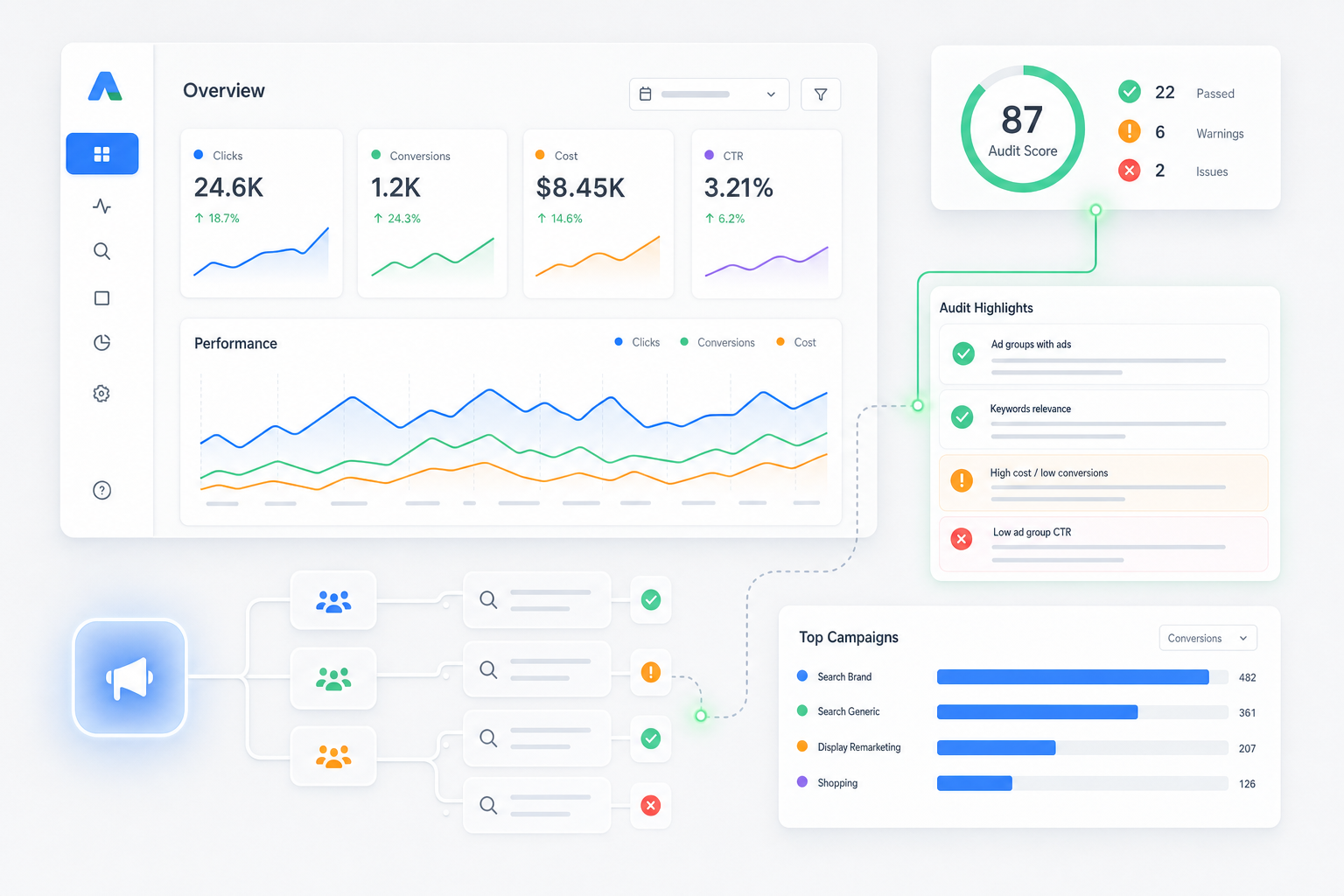
To keep your campaigns organized and monitor these metrics continuously, utilize advanced Google Ads tools. They help you audit performance and uncover hidden wastes.
Google Performance Max Campaigns: Your Top Questions Answered
Understanding how to optimize google performance max campaigns requires clear answers to fundamental questions. Here is what you need to know.
What is a Google Performance Max campaign?
It is an AI-driven, goal-based campaign type in the Google Ads Platform. It allows advertisers to access all Google Ads inventory from a single campaign. The system uses automation to optimize budget allocation and bidding across Search, YouTube, Display, Discover, Gmail, and Maps.
Are Performance Max campaigns good?
Yes, they are highly effective for businesses with clean conversion tracking and clear business goals. They excel at scaling sales and generating leads by finding hidden conversion opportunities across channels. However, they perform poorly if you feed them bad data or weak assets.
What is the difference between Google Ads smart campaigns and performance Max?
Smart campaigns are highly simplified, hands-off campaigns designed for small businesses with limited time. They offer almost no control. Performance Max is a robust, enterprise-ready solution that combines deep machine learning with strategic inputs like audience signals, asset groups, and product feeds.
How to create a performance max campaign in Google Ads?
You create a campaign by logging into the Google Ads Platform, selecting a conversion goal, choosing the Performance Max campaign type, and setting your budget. Then, you construct asset groups with images, videos, and headlines, add audience signals, and publish.
Optimize Your Performance Max Results with Umbrella
Managing Google Ads campaigns is a constant battle.
The algorithm changes weekly. The competition gets tougher. If you are managing your campaigns off the side of your desk, you are leaving revenue on the table.
That’s where we come in.
Umbrella is a leading performance marketing agency. We do not guess. We build high-performing, data-backed Google Ads frameworks that drive actual business growth.
Let us handle the technical setup, continuous optimization, and asset management. Contact Umbrella today to see how we can scale your digital marketing results.
Success in 2026 does not depend on basic button-clicking. It relies on strategic inputs.
If you feed Google’s AI clean data, premium creative assets, and clear business parameters, it will reward you with consistent, high-value conversions. If you take shortcuts, you will watch your budget disappear.
Get your prerequisites right first. Build your campaigns deliberately. Optimize them continuously. That is the only way to win.