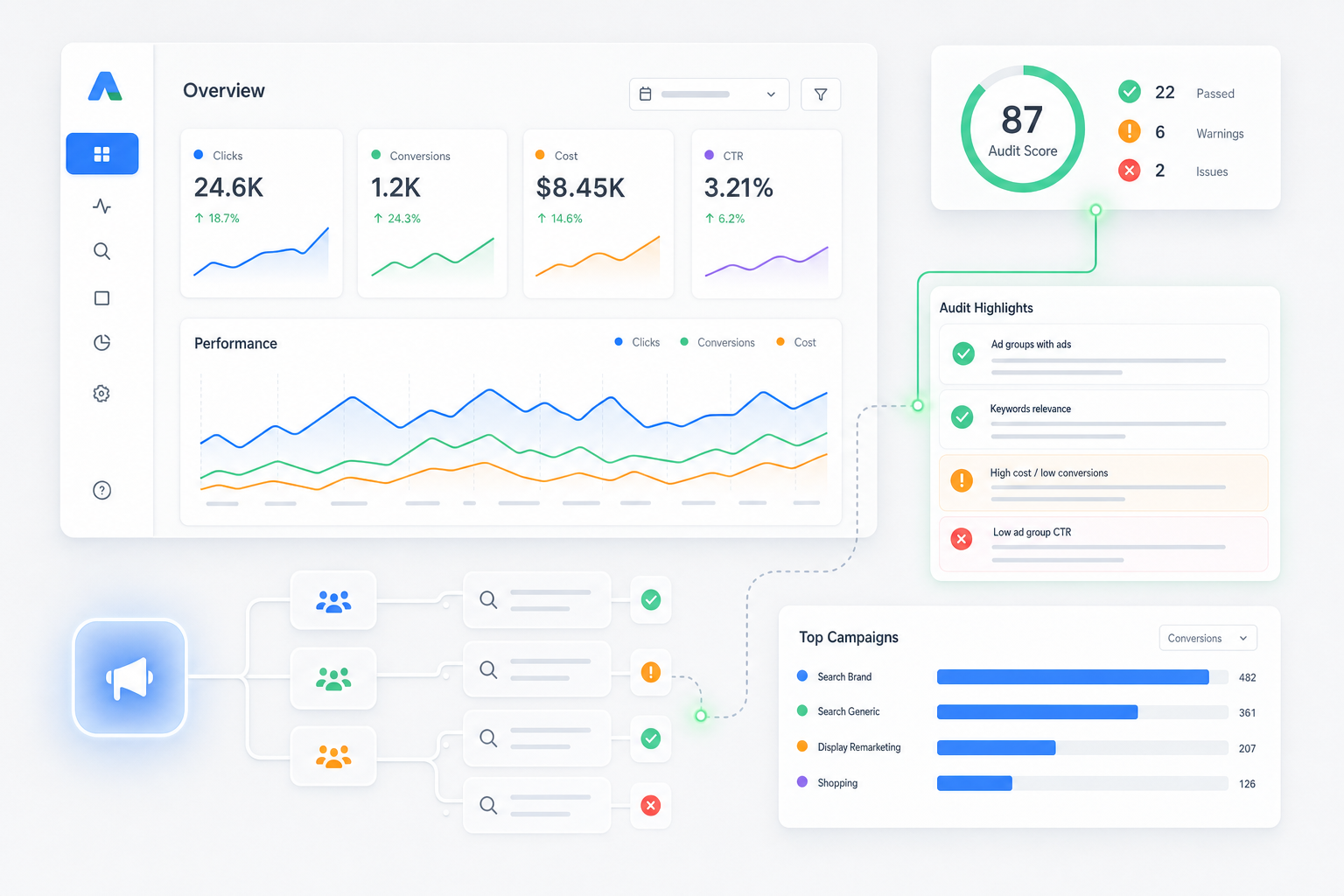
How Growing Teams Win the Paid Search War
Most people think hiring a PPC agency means someone logs into Google Ads, sets a budget, and watches the clicks roll in. That’s not how it works. Or at least, that’s not how it should work. Managing campaigns as a team is a completely different beast than flying solo.. quite literally. When you have multiple hands in the same accounts, things break fast. Duplicate keywords, messy bid structures, and overlapping budgets can destroy your margins. This goes hand in hand with organizational growth—as your team gets bigger, your system needs to get tighter.
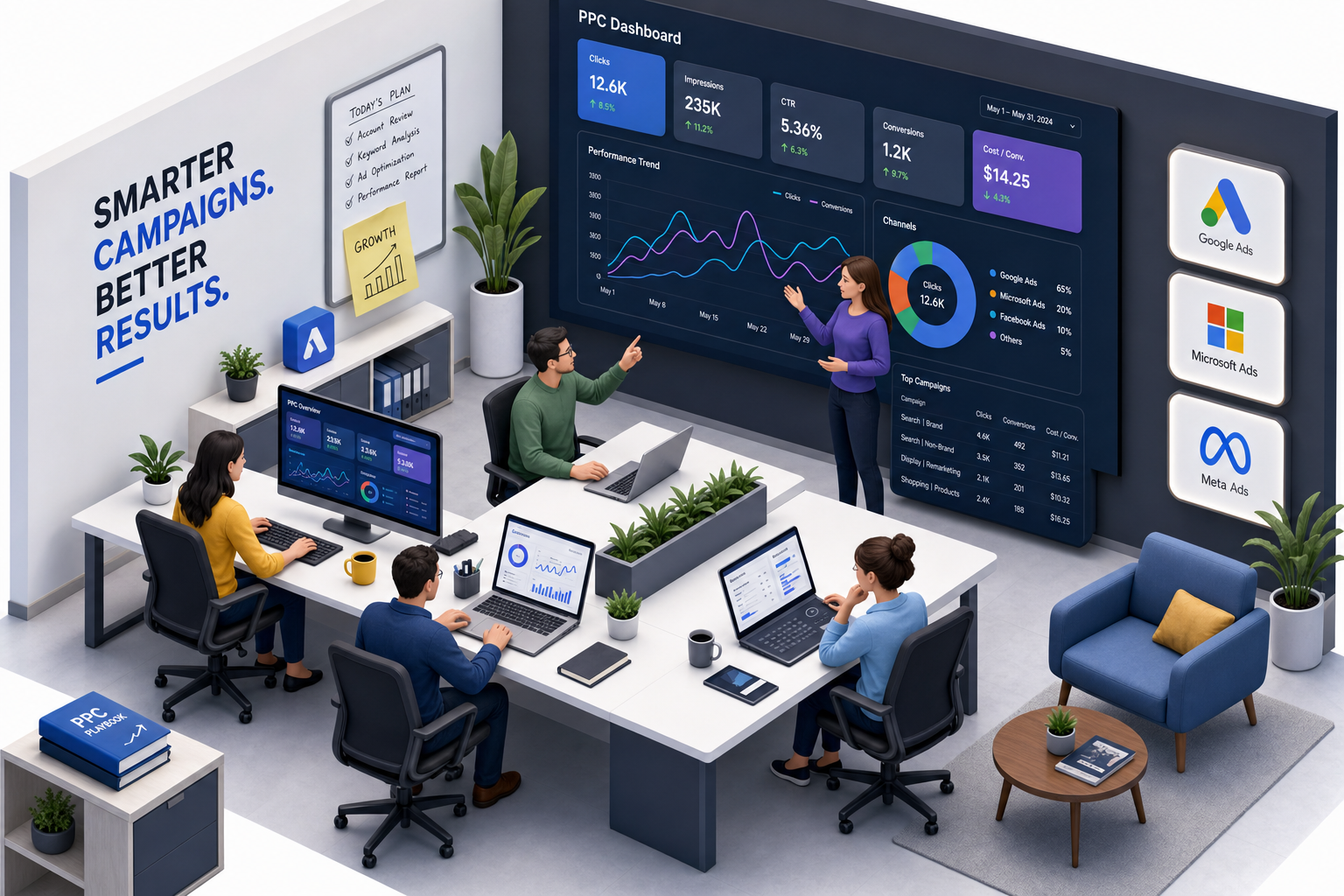
Does Google have a team management tool? Well, yes and no. They give you Manager Accounts (MCC) to link multiple client profiles, but they do not provide the collaborative workflow systems your team actually needs daily. What does the Google Ads team do? They build the advertising sandbox—but you have to bring the tools to build the castle. Whether you are running a scrappy local campaign or wondering if $100 a day is good for Google Ads (spoiler: it can be, if your tracking is flawless), your software stack will make or break your team efficiency.
Let’s face it: we all want to create the next viral sensation. You might think about Apple’s iconic 1984 ad—often called the most successful commercial of all time—but real, sustainable digital marketing performance is won in the trenches of daily optimization. You need the right Google Ads tools for teams to run campaign management at scale without stepping on each other’s toes. Let’s look at the best options for your stack in 2026.
How We Chose These Tools
We did not pull this list out of thin air. We selected and ranked these options based on three simple, practical standards:
- How easily multiple users can collaborate without overwriting each other’s work.
- How well the system handles campaign management at scale across multiple accounts.
- The overall speed and safety of bulk offline edits.
This ensures you get real, functional recommendations instead of generic software features.
Quick Reference: The 5 Best Google Ads Tools for Teams
- Google Ads Editor: Best for offline bulk modifications and account restructuring.
- Optmyzr: Best for multi-account automation and team workflow templates.
- Search Ads 360: Best for enterprise cross-channel search engine management.
- Shape.io: Best for automated budget pacing and spend management.
- AgencyAnalytics: Best for drag-and-drop client dashboard reporting.
1. Google Ads Editor
A free desktop application from Google that allows teams to make bulk changes and draft campaign edits offline before publishing.
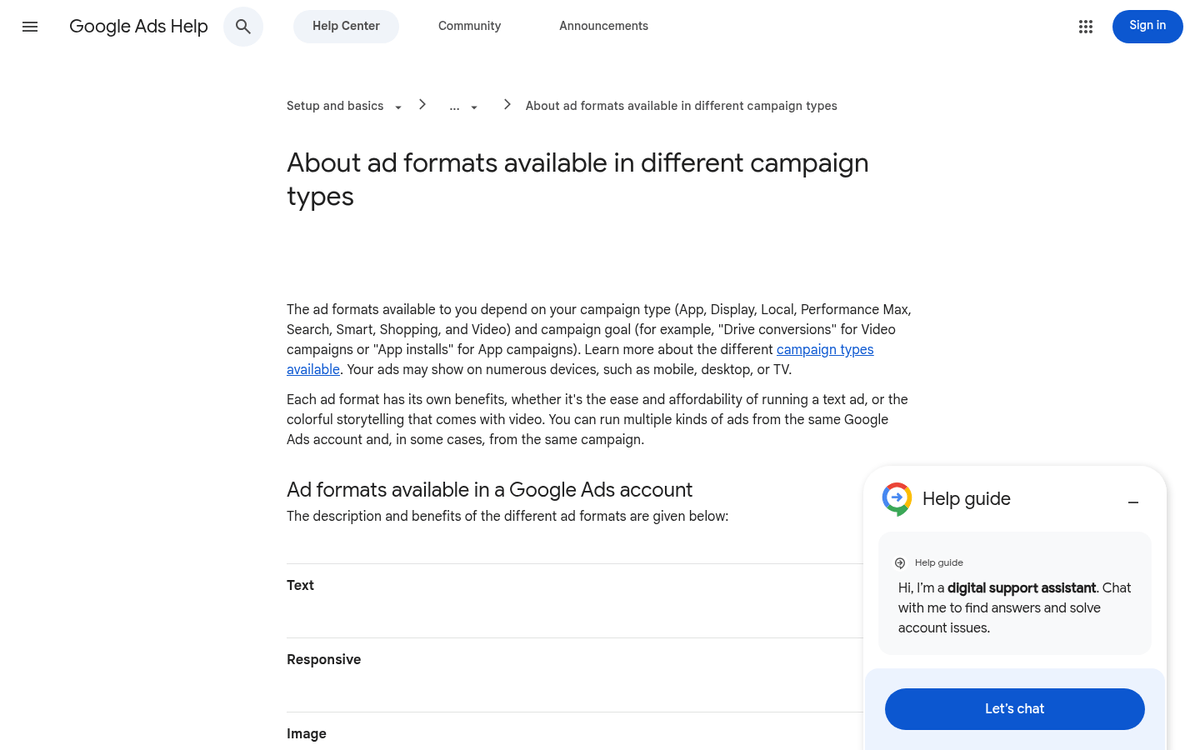
Let’s start with the absolute baseline. Google Ads Editor is the tool every serious media buyer must master. It allows multiple team members to download account data, work on draft campaigns offline, and upload everything simultaneously when ready. This means you avoid the nightmare of live account friction where two people change the same keyword bid in real time. This is huge because it keeps your accounts clean.
Because it runs locally on your desktop, everything is incredibly fast. You can run bulk operations like search-and-replace, keyword additions, and massive bidding changes instantly without waiting for a browser to load. Teams can easily share draft files (.aea format) to review copy changes before push-live execution. If your team is currently debating in-house vs. agency team structures, having a structured workflow centered around Editor is a lifesaver.
Pros:
- Free to use with absolutely no limits on account size
- Safe offline drafting environment for team reviews
- Fast search-and-replace and bulk copy-paste features
Cons:
- The technical desktop interface looks intimidating to junior team members
- Requires manual syncs to avoid painful version conflicts
Key Features:
- Complete offline drafting and editing capabilities
- Simple CSV import and export for bulk sheets
- Copy and paste settings across entirely different accounts
Best For:
In-house and agency teams requiring fast, offline bulk modifications and account restructuring without live lag.
Key Differentiator:
It is the only official, free offline tool that lets you build, review, and test complex structural changes without risking live ad budget.
Rank Rationale:
Google Ads Editor takes the top spot because it is entirely free, officially supported by Google, and serves as the baseline operational tool that every professional PPC team must master.
2. Optmyzr
An enterprise-grade PPC optimization suite designed to automate routine maintenance, audit accounts, and streamline multi-team workflows.
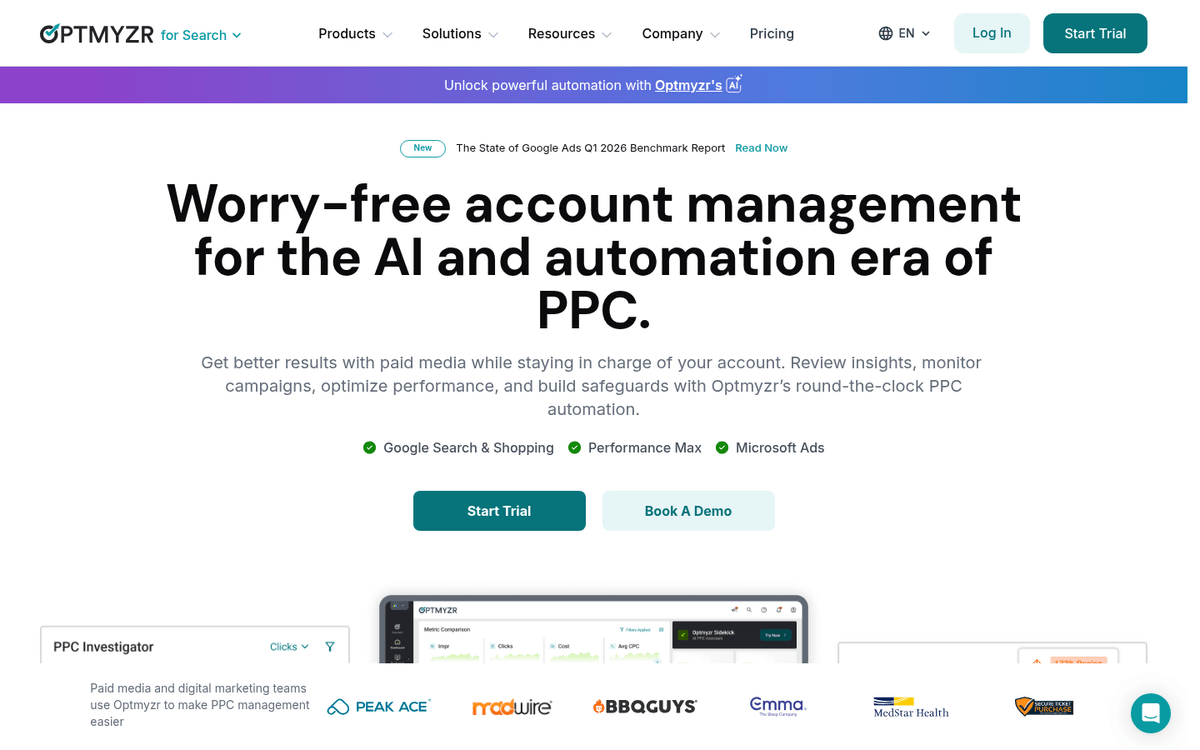
Optmyzr sits perfectly between manual analysis and automated machine learning. Here’s what most people don’t know: you don’t have to let Google’s auto-applied recommendations run wild to scale your accounts. With this tool, senior strategists can create pre-built optimization templates. Then, junior team members can run those processes safely across dozens of client accounts. Awesome, right?
But why does this matter? Because consistency is what keeps your clients happy. Optmyzr runs background quality checks to flag broken URLs, search term conflicts, and budget anomalies. It drops these alerts right into your team Slack channels or email inboxes. This helps keep everyone aligned and prevents minor mistakes from ballooning into huge issues that cost you money.
Pros:
- Custom rules builder engine that lets you create bespoke automations
- Clear multi-account dashboards for fast management
- Professional white-label reports that look great for clients
Cons:
- Pricing is high if your team manages a small aggregate budget
- Automated rules can sometimes make teams lazy with manual checks
Key Features:
- Multi-account management and custom automation rules
- Automated scripts and performance alerts
- Dynamic keyword lasso and bidding tools
Best For:
Mid-sized to enterprise teams needing standard operating procedures (SOPs) for routine optimization and multi-account auditing.
Key Differentiator:
Allows teams to package custom optimization logic into reusable scripts and ‘recipes’ that any team member can apply with one click.
Rank Rationale:
Optmyzr is placed second due to its powerful focus on agency and enterprise workflow standardizations, turning individual tactical tasks into scalable team SOPs.
3. Search Ads 360
Google’s enterprise search management platform designed for large-scale campaign deployments across multiple search engines.
Search Ads 360 is built for enterprise PPC tools and large corporate marketing teams. This platform integrates directly with the broader Google Marketing Platform. This is huge because it allows real-time data sharing between your media buyers, analytics pros, and creative departments. When you are managing massive spends, this keeps everyone on the same page.
But here’s the catch: it requires massive ad spend to justify the cost. If you have the budget, its smart bidding algorithms process enterprise-level data to adjust bids in real-time across both Google and Microsoft Ads. It even connects with your live inventory management system, dynamically pausing or launching ads based on actual stock levels in your warehouse.
Pros:
- Seamless connection with Google Analytics 4 and BigQuery
- Enterprise bidding algorithms that run across multiple search engines
- Granular user permissions and activity logs for team safety
Cons:
- Very expensive with contracts negotiated via third-party resellers
- Long onboarding process that takes months of training
Key Features:
- Enterprise cross-engine bid strategies
- Inventory-driven automated campaign generation
- Complex data attribution and modeling systems
Best For:
Enterprise marketing teams managing six-to-seven-figure monthly ad budgets across multiple networks.
Key Differentiator:
Provides true enterprise-level data consolidation, sharing bidding intelligence across different search engines from a single command center.
Rank Rationale:
While incredibly powerful, its high cost and steep accessibility barrier make it a tool reserved strictly for enterprise-level teams, earning it the third spot.
4. Shape.io
A budget management platform that helps multi-member marketing teams track and control spend across all search channels without spreadsheet errors.
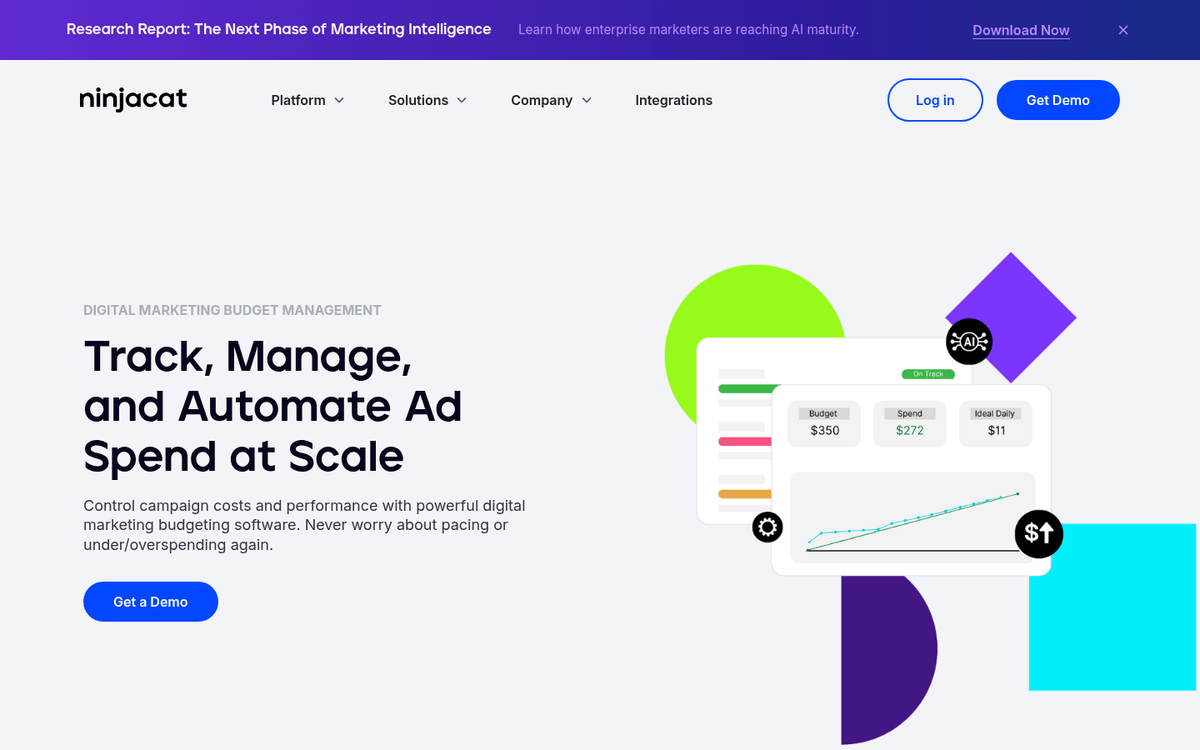
One of the biggest friction points for growing teams is pacing and budget management. Shape.io solves this by aggregating spend across multiple campaigns and networks into one clean dashboard. It saves your team from the manual morning routine of double-checking messy, human-error-prone spreadsheets. It takes the stress out of the daily pacing checks.
The platform lets you build custom budgets that pull data from various search channels. You can set up autopilot features that automatically pause campaigns if your target daily or monthly spend limit is reached. If you want to know more about managing campaign budgets effectively, this software stops the human errors that lead to massive overspends before they can happen.
Pros:
- Eliminates manual budget tracking spreadsheets entirely
- Autopilot features pause campaigns automatically to prevent overspending
- Easy team dashboard showing live spend against projections
Cons:
- Focuses only on budget management without offering creative or keyword recommendations
- Small delays in data sync can sometimes cause slight budget drift
Key Features:
- Consolidated multi-channel budget rollups
- Real-time budget pacing dashboards
- Automation triggers that pause active campaigns before overruns
Best For:
Teams managing multiple client budgets or segmented in-house initiatives who want to automate budget tracking and risk mitigation.
Key Differentiator:
Focuses strictly on solving the specific administrative headache of budget management and pacing, whereas other platforms treat it as an afterthought.
Rank Rationale:
It addresses a critical, daily risk for growing teams—budget errors—but since its feature set is specialized to budget-pacing and not broader optimizations, it sits at rank four.
5. AgencyAnalytics
A specialized reporting and client dashboard platform that automates performance communication for busy marketing teams.
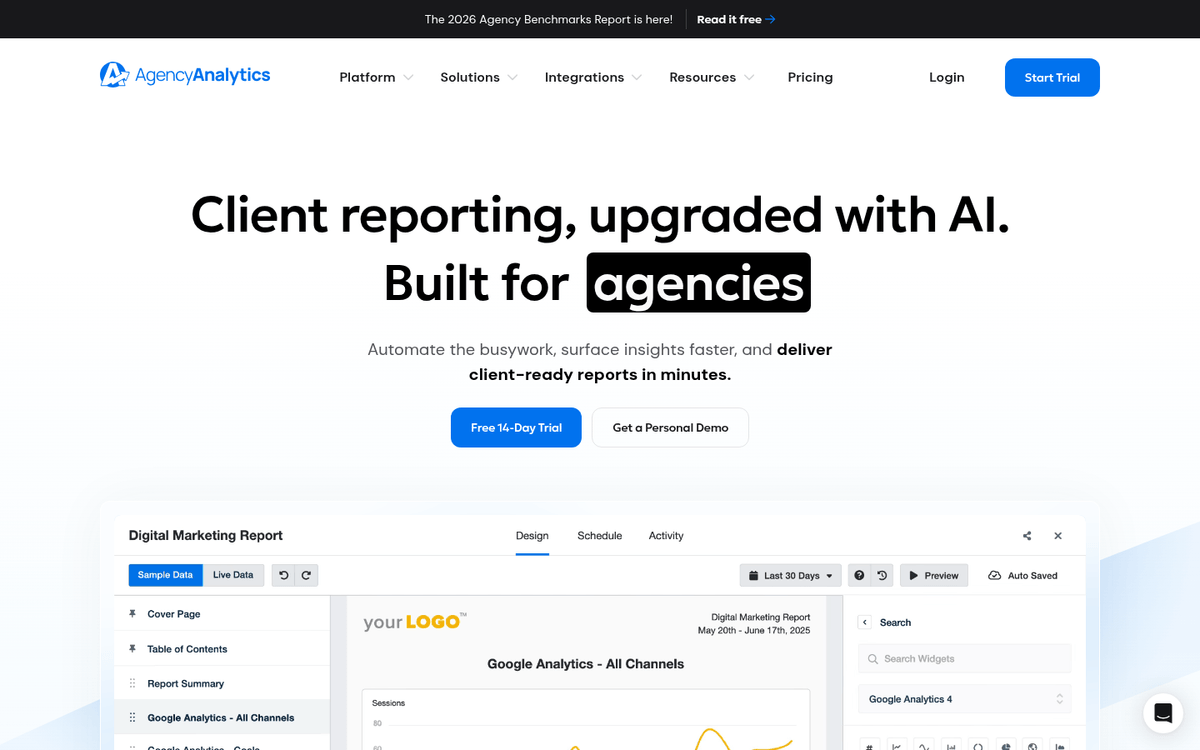
Let’s be real: creating weekly reports can suck up hours of your team’s productive time. AgencyAnalytics solves this by pulling Google Ads metrics directly into drag-and-drop dashboards. These dashboards auto-refresh constantly, which means you always have live performance data ready for your clients or internal executives. That is more than most clients realise when they ask for custom reports.
This is a collaborative dream. Your team members can drop notes, highlight big wins, and explain account adjustments right inside the reporting dashboard. It turns weekly reporting from a boring, static task into a real team conversation. It keeps everyone accountable and keeps the client happy with clear, visual updates.
Pros:
- Dozens of native integrations with key marketing and SEO platforms
- Intuitive drag-and-drop report builders that anyone can master
- Custom user access controls for clients and teammates
Cons:
- Structured templates make it hard to build highly custom data visualizations
- It is purely a reporting tool; you cannot make bid changes or edits in the platform
Key Features:
- Fully brandable reporting dashboards
- Automated scheduling for weekly and monthly reports
- Visual goal-tracking metrics for executive alignment
Best For:
Agencies and in-house teams who spend too much time compiling weekly performance reports for clients or management.
Key Differentiator:
The platform balances high-level executive summaries with granular metrics in a system simple enough for non-technical stakeholders to navigate.
Rank Rationale:
Reporting is critical to team performance management, but because this tool only visualizes performance data without actively optimizing it, it ranks fifth.
Prefer to Outsource Your Google Ads Management? Work with Umbrella.
Comparison Summary: Google Ads Tools for Teams
| Tool Name | Primary Use Case | Price Range | Best For |
|---|---|---|---|
| Google Ads Editor | Offline bulk modifications | Free | Teams doing heavy restructuring and bulk offline work. |
| Optmyzr | Workflow automation and auditing | Paid (Enterprise) | Mid-sized teams needing optimization SOPs. |
| Search Ads 360 | Cross-engine bid management | Enterprise Contracts | Large teams with enterprise search spend. |
| Shape.io | Cross-channel budget pacing | Paid (Tiered) | Teams managing complex multi-client budgets. |
| AgencyAnalytics | Automated performance reporting | Paid (Subscription) | Agencies needing white-label client dashboards. |
Choosing Your Stack in 2026
Building the perfect software stack takes time, testing, and money. If you are a growing business, these Google Ads tools for teams will keep you from pulling your hair out. But what if you don’t want to manage more software, train employees on complex platforms, or worry about daily bid adjustments? That is where we come in.
Umbrella is a full-service Performance Marketing agency. We do not just sell software; we deliver growth. From high-converting Paid Ads Toronto strategies to clean SEO Toronto work, Web Design Toronto projects, and robust CRM Integration systems, we handle the technical grind so you can focus on running your business. No software training required. Let’s start driving real Lead Generation for your business today.